OTT Apps · Desktop

OTT Player For Windows & Mac

Experience powerful, native streaming with our OTT Player for Windows and Mac. Smooth playback, an intuitive interface, and full support for Live TV, VOD, and series — branded as your own.
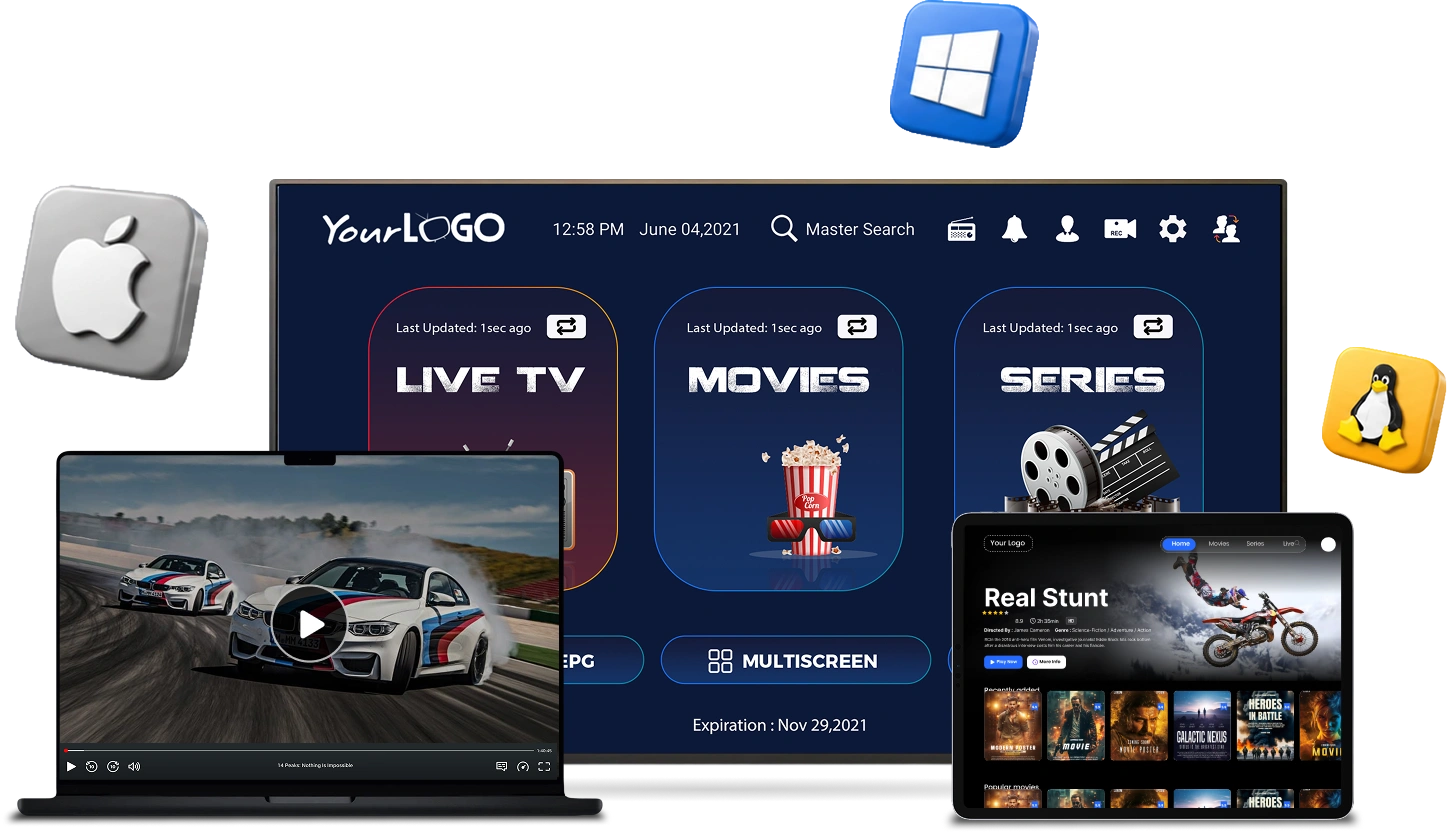
OTT Player running on Windows and Mac, laptop and smart TV
What Makes Us Stand Out

Everything You Need To Build A Powerful OTT Platform

Multi DNS Supported

Multiscreen Supported

Parental Control Supported

Add to Favourite

Load Playlist or File/URL

Native Player Supported

Sorting Option & Zooming Bar

Fast, Native Playback

OTT Player running on Windows and Mac, laptop and smart TV
OTT Player · Windows & Mac

OTT App/Player Development – Windows & Mac

Try our new OTT Player for Windows and Mac (without streams). Your TV provider will provide your Username/Password, Portal URL, or M3U Playlist. Sign up with us before downloading the non-branded OTT Player.

One Time Payment $149 USD
Key Features
  • No FREE Upgrades
  • Native Player Supported
  • Load Your Playlist or File/URL
  • Multi DNS Supported
Buy Now
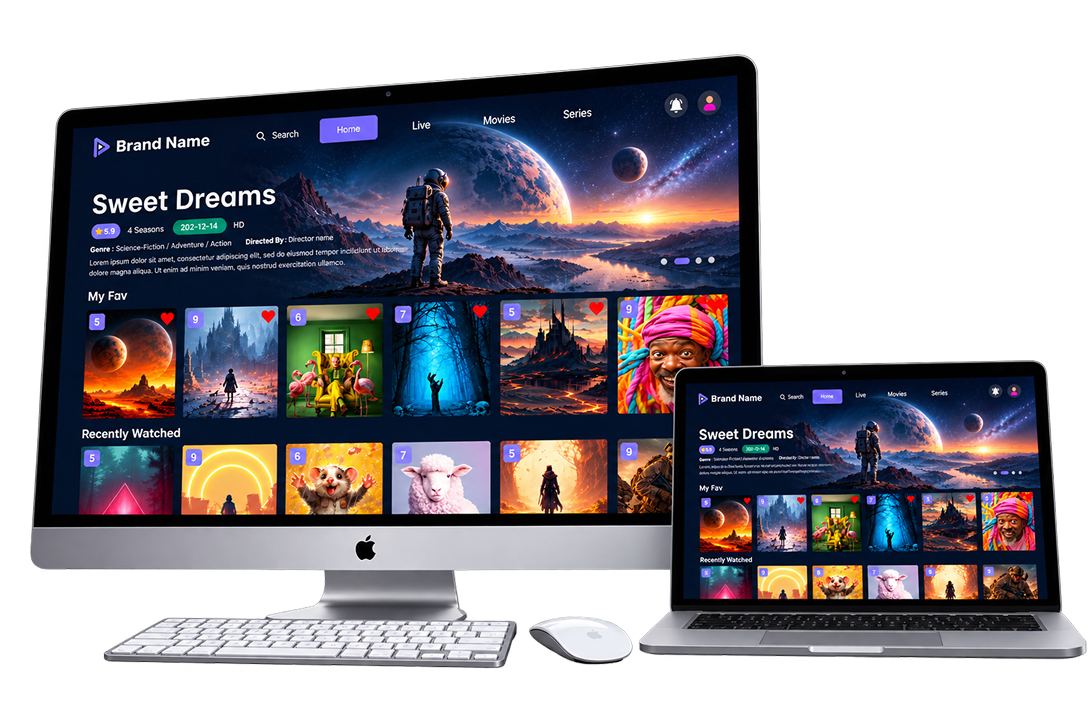
OTT streaming app running on iMac and MacBook, Sweet Dreams title screen

Get Your Own OTT App Developed for macOS!

Launch your own premium OTT application for macOS with a modern interface and seamless streaming experience.

$149.00 USD
Buy Now
Key Features
  • Connect Up To 5 Custom DNS URLs
  • Quick & Hassle-Free Setup
  • Enhance App Flexibility & Reliability
  • Compatible with macOS Apps
  • Multiple Color Themes & Light/Dark Mode
  • Parental control & Multiplayer selection
About the App

What Is a White-Label Desktop IPTV App?

The short version: your own branded player, running natively on Windows and Mac, connected to the IPTV panel you already operate.

A white-label desktop IPTV app is a Windows or Mac program that plays Live TV, Movies, and Series pulled straight from your panel — built and rebranded entirely as your own product, with no trace of the original developer left anywhere in the interface.

Customers download the app, sign in with the Username/Password, Portal URL, or M3U Playlist your panel already issues them, and start watching within seconds. There’s nothing extra for you to host — the app simply connects to the panel you’re already running.

Because it’s a native installed program rather than a browser tab, it opens like any other desktop application, keeps subscribers signed in between sessions, and gives your business a more permanent, professional feel than a web link ever could.

What's Included

Everything In Your Fully Branded Build

Every white-label build ships with the same core feature set, configured and tested against your own panel before handover.

Secure Branded Login

Customers sign in with the portal credentials your panel already issues them, over an encrypted connection — nothing is stored in plain text on their device.

Custom App Name & Logo

Your app name, icon, and splash screen replace every trace of the original player, inside and out.

Multi DNS & Playlist Support

Load content from multiple server URLs or M3U playlists, so the app keeps working even if you change providers later.

Native Player Engine

Smooth native playback for Live TV, Movies, and Series, without relying on a browser tab or external plugin.

EPG & Catch-Up Ready

Full channel guide support, with catch-up playback for any provider whose panel makes it available.

One-Time Payment, Lifetime License

A single payment gets you a lifetime-owned build — no recurring licensing fees to keep the app running.

FAQ

Questions About the Windows & Mac App

Common questions about branding, compatibility, and how the app connects to your IPTV panel.

Do I need my own IPTV panel to use this app?
Yes. The app is a player only — it connects to the panel you already run, using the Username/Password, Portal URL, or M3U Playlist your panel provides.
Will the app show your branding anywhere?
No. Every reference to the original developer is replaced with your own app name and logo before it reaches your customers.
Does it support multiple server URLs?
Yes, Multi DNS is supported, so you can point the app at a backup server URL if your primary one ever changes.
Can customers use it without technical knowledge?
Yes. Customers simply enter the login details your panel issued them, the same way they would on any other IPTV player.
Is this a one-time purchase?
Yes, it’s a one-time payment with a lifetime owned license — no recurring fees to keep the build active.
Do you provide free upgrades after purchase?
Upgrades are available as a separate paid service — this keeps the base build affordable while still letting you add new features later.
Is it compatible with Xtream Codes and similar panels?
Yes, the app is built to work with standard Xtream Codes-style authentication, matching how most IPTV panels issue login credentials.

Ready to Launch Your Windows or Mac OTT App?

We’ll configure, brand, and support your native Windows or Mac player from day one.

Get a Free Quote