
Pick the wrong IPTV reseller panel and you’ll feel it within a month — not in the streaming quality, but in how much of your evening disappears into creating accounts by hand, chasing expired credit balances, and manually suspending subscribers who stopped paying three weeks ago. The panel itself matters less than most resellers assume. What actually determines whether this business scales past twenty customers is whether that panel talks to your billing system, or whether you’re the one standing in the middle translating every order into a manual panel action.
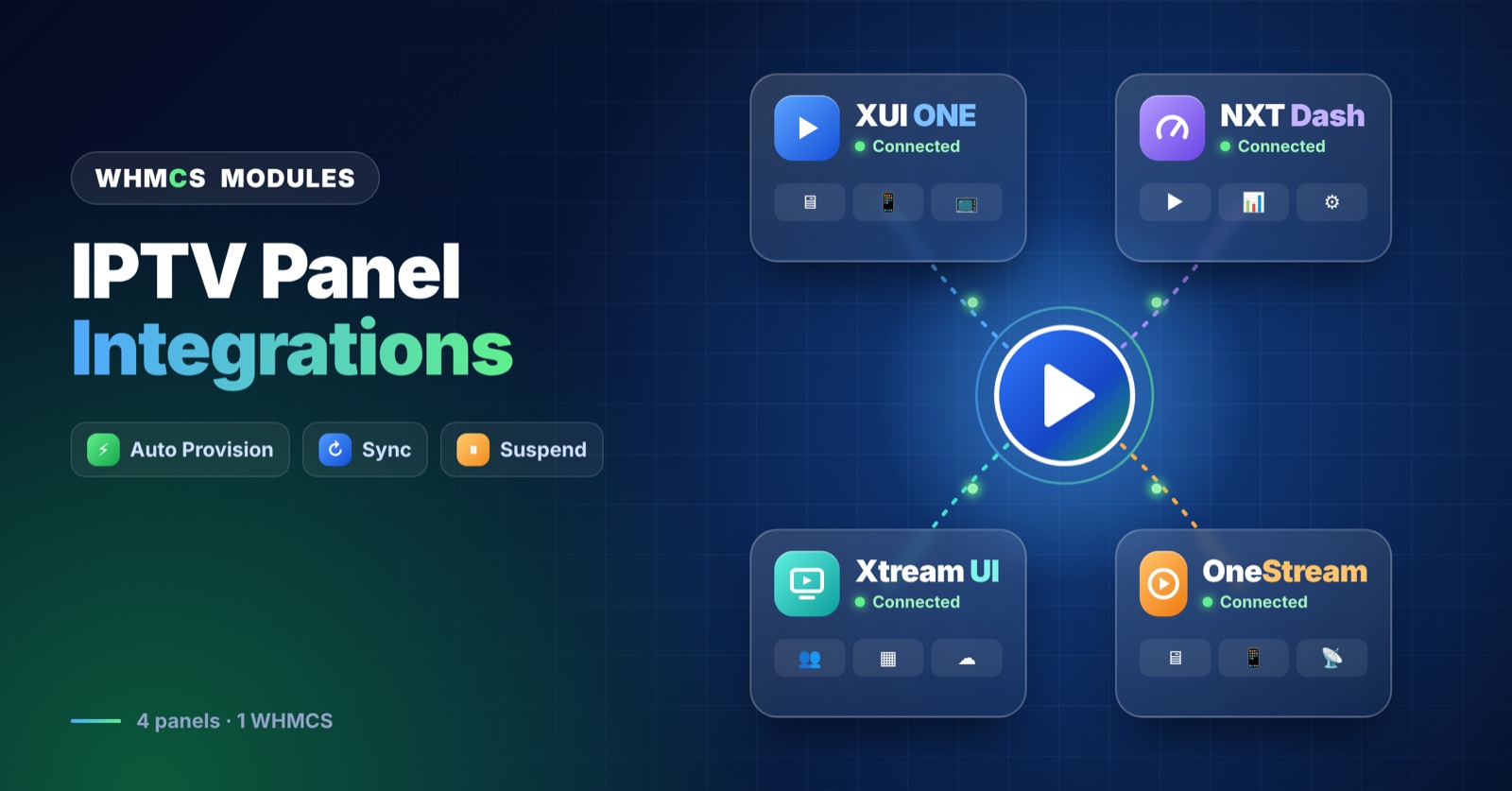
We build and maintain the WHMCS modules that remove that middle step for four of the IPTV reseller panels resellers ask us about most — XUI ONE, Xtream UI, NXT Dash, and 1Stream. Here’s an honest look at each one, and at what actually changes once WHMCS is wired directly into it.
XUI ONE
XUI ONE is the panel we get asked to integrate most often, largely because so many existing reseller operations are already running on it before they come to us for automation. It handles Streamline and MAG-based provisioning natively, which covers a large share of the device ecosystem still in active use.
Our XUI ONE Reseller Module for WHMCS creates the matching XUI ONE user the moment an order comes in, keeps reseller credit balances and subscription status synced in both directions, and hands off renewals, suspensions, and terminations to WHMCS’s normal lifecycle instead of a manual panel login.
- Automatic Streamline/MAG account creation tied directly to the WHMCS order.
- Live channel and EPG access provisioned without a separate manual step.
- Real-time status sync, so a suspended WHMCS service actually suspends the panel account.
Xtream UI
Xtream UI tends to show up with resellers who value having full administrative control over their panel rather than a hosted layer sitting between them and it. That control is exactly what makes manual account management on it so time-consuming once order volume picks up.
Our Xtream UI Reseller Module for WHMCS connects through administrator-login integration, so every new order provisions Live TV, VOD, and EPG access immediately, and reseller credit top-ups happen automatically against whatever product configuration you’ve set in WHMCS — no logging into the panel to adjust a balance by hand.
- Administrator-login integration, so there’s no dependency on a separate reseller API layer.
- Automated reseller credit management tied to your WHMCS product settings.
- Full lifecycle support — renewals, suspensions, and terminations handled without manual panel work.
NXT Dash
NXT Dash is the newer panel on this list, and we’ve found it’s often the one resellers migrate toward when they want cleaner dashboard-level visibility into connections and account status without digging through logs to find it.
Our NXT DASH Reseller Module for WHMCS creates the client account instantly on purchase, activates Live TV and VOD access in the same step, and surfaces the account and connection detail that matters directly inside WHMCS — so your support team isn’t switching tabs to answer a basic “is this account still active” question.
- Instant client account creation on purchase, no manual provisioning queue.
- Live TV and VOD access activated in the same step as account creation.
- Account and connection visibility surfaced directly in WHMCS.
1Stream (OneStream)
1Stream covers much of the same Streamline/MAG ground as XUI ONE, and we tend to recommend it to resellers who specifically want reseller credit management to be the centrepiece of their automation — it’s a panel built around that workflow rather than treating it as an afterthought.
Our 1 Stream Reseller Module for WHMCS activates Live TV, VOD, and EPG access automatically on purchase, and handles reseller credit top-ups as part of the normal order flow, so adding a new line for a customer doesn’t mean a separate manual credit adjustment afterward.
- Automatic Live TV, VOD, and EPG activation on purchase.
- Reseller credit top-ups handled as part of the order, not a separate manual step.
- Standard WHMCS renewal, suspension, and termination support.
What Changes Once a Panel Talks to WHMCS
Every module on this list is built around the same three jobs, because they’re the three that actually eat a reseller’s time: creating the account the moment an order is paid, keeping the panel and your billing system in sync as that subscription renews or lapses, and suspending access the moment a payment is missed — not whenever you next remember to check. Do those three things manually across even a modest customer base and you’re spending hours a week on work a module does in the background. Skip the automation and growth itself becomes the problem, since every new customer adds to that manual workload instead of just adding to your revenue.
Which Panel Should You Actually Run?
If you’re already running XUI ONE or 1Stream, there’s rarely a reason to migrate panels just to get automation — both have mature modules here and solid device coverage for Streamline and MAG-based setups. Xtream UI makes sense if you specifically want administrative control over the panel itself alongside the automation. NXT Dash is worth considering if you’re setting up fresh and dashboard-level visibility into accounts and connections matters to how your support process works day to day.
None of these decisions need to happen in isolation from your billing setup — if you’re still figuring out the full provisioning picture, our WHMCS Automation page covers how panel, billing, and client portal fit together end to end.
Get Your Panel Wired Into WHMCS
We install and configure every module on this list against your real panel, not a demo environment, so renewals, suspensions, and credit management work correctly from day one. Talk to us about which panel fits your setup, or browse the complete lineup on our WHMCS OTT Modules page.
Need help setting this up?
Our team builds and supports WHMCS automation, payment gateways, IPTV apps, and websites for streaming businesses every day.
Get a Free Quote